
Quick Start with HintMint
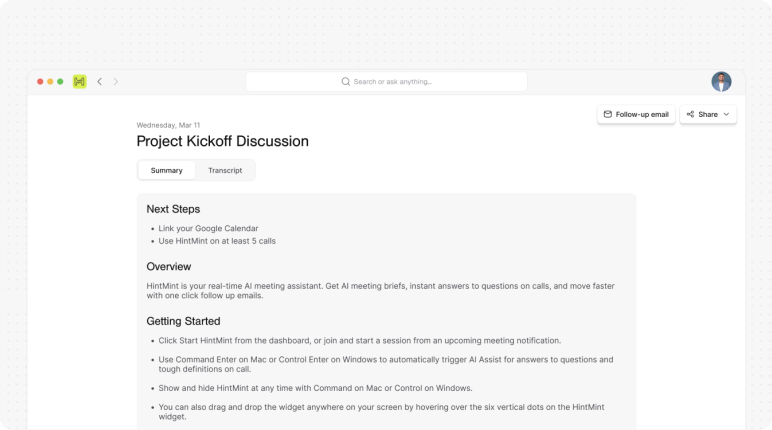
Get up and running with HintMint in just a few minutes. This guide walks you through installing the app, connecting your calendar, joining your first meeting, and using real-time AI assistance to make every conversation more productive.
What You'll Need
- A HintMint account
- Google or Microsoft Calendar
- Zoom, Microsoft Teams, or Google Meet
- Desktop application installed
Install HintMint
Install the Desktop Application
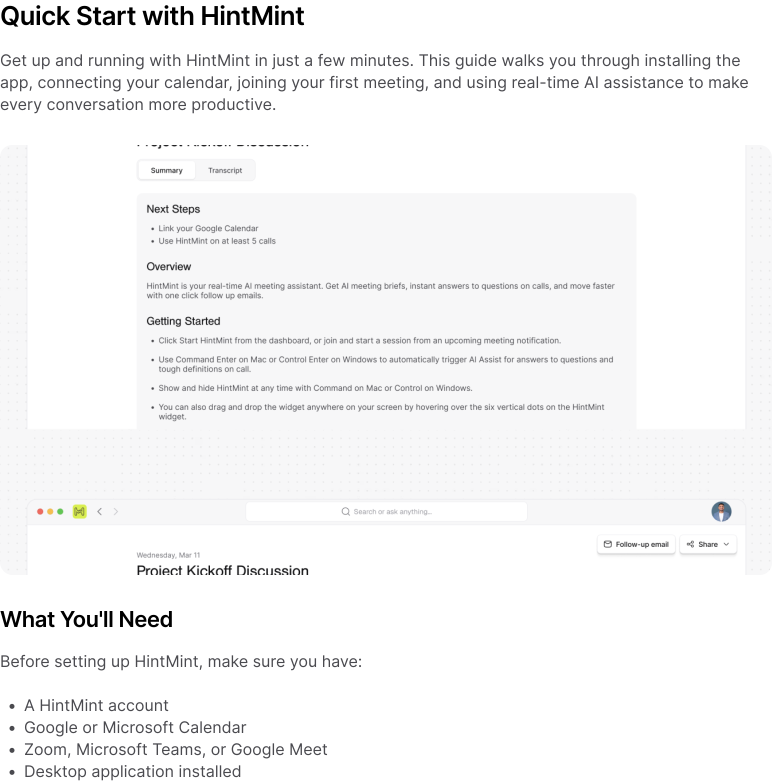
Download the latest version of HintMint for your operating system. HintMint runs quietly in the background and automatically activates when a scheduled meeting begins.
- Download HintMint.
- Open the installer.
- Complete the installation.
- Launch the application.
- Sign in using your account.
Sign In
Connect Your Workspace
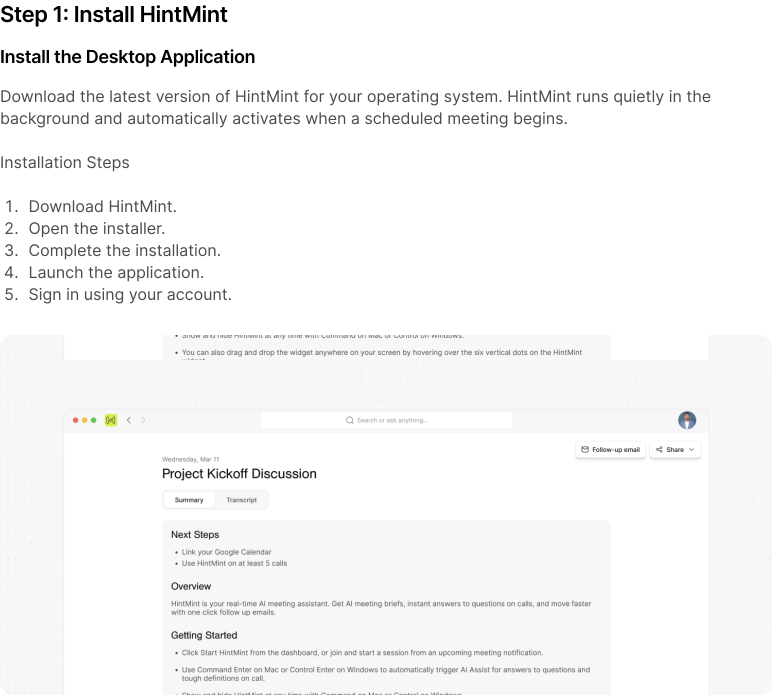
Sign in with your HintMint account to synchronize your meetings, preferences, and workspace settings. After signing in, HintMint securely stores your preferences so you're ready whenever a meeting starts.
Connect Your Calendar
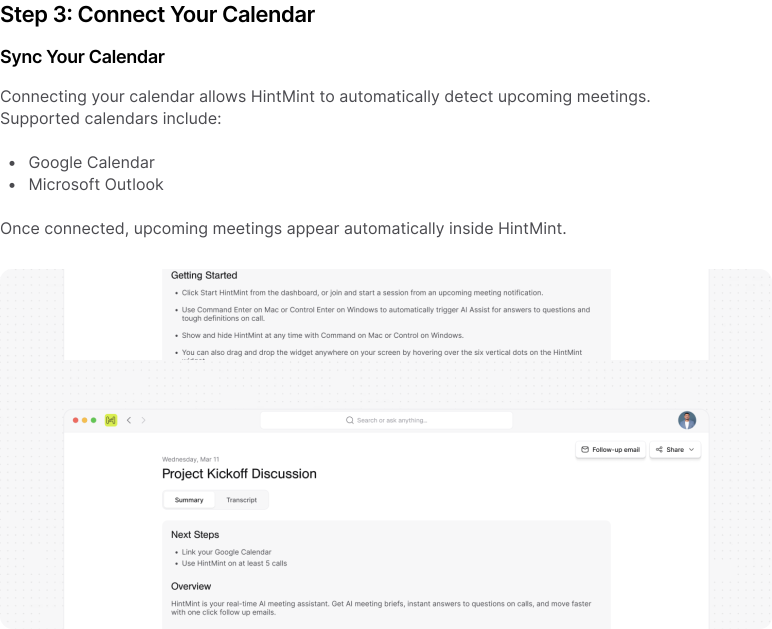
Sync Your Calendar
Connecting your calendar allows HintMint to automatically detect upcoming meetings.
- Google Calendar
- Microsoft Outlook
Once connected, upcoming meetings appear automatically inside HintMint.
Join Your First Meeting
Start Your First AI-Assisted Meeting
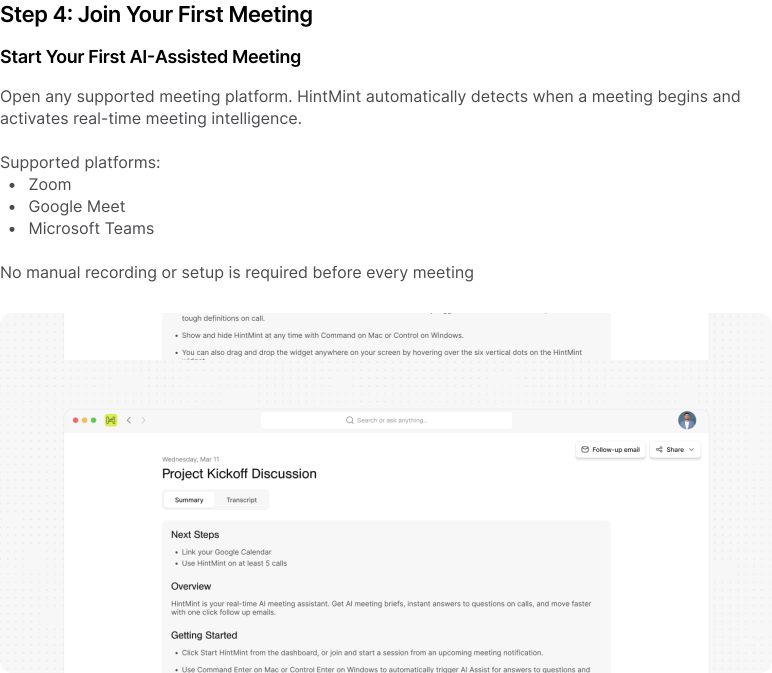
Open any supported meeting platform. HintMint automatically detects when a meeting begins and activates real-time meeting intelligence.
- Zoom
- Google Meet
- Microsoft Teams
No manual recording or setup is required before every meeting.
Enable Live AI Assistance
Experience Real-Time Intelligence
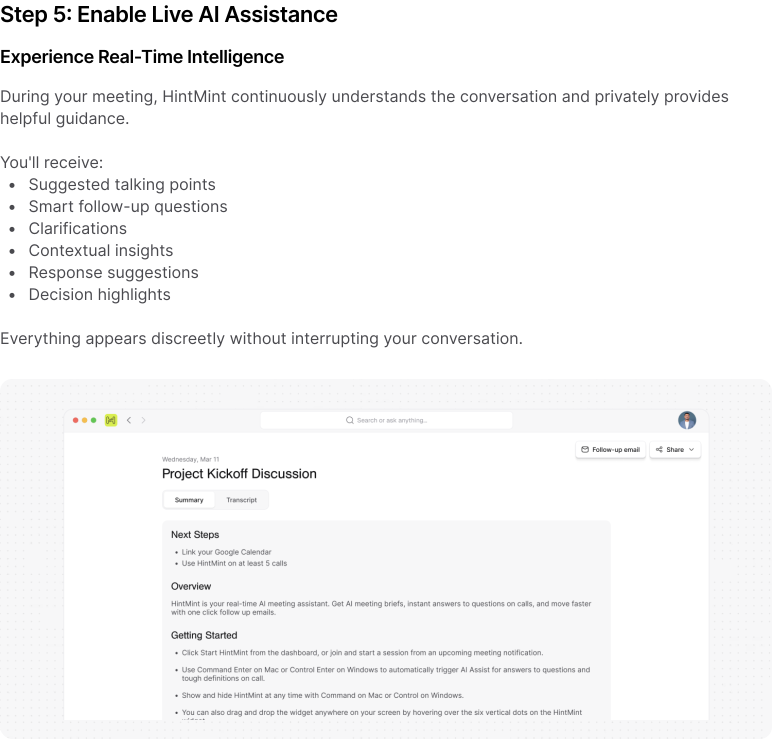
During your meeting, HintMint continuously understands the conversation and privately provides helpful guidance.
- Suggested talking points
- Smart follow-up questions
- Clarifications
- Contextual insights
- Response suggestions
- Decision highlights
Everything appears discreetly without interrupting your conversation.
Review Meeting Insights
Automatically Generated Meeting Notes
Once your meeting ends, HintMint generates structured documentation.
- Executive summary
- Key discussion points
- Decisions made
- Action items
- Follow-ups
- Assigned responsibilities
No manual note-taking required.
What's Next?
Explore More Features
Now that your first meeting is complete, you're ready to unlock the full power of HintMint.
- Customize Your AI Assistant
- Understanding Context Awareness
- Live AI Suggestions
- Decision Tracking
- Team Workspaces
- Calendar Integrations
- Enterprise Features
