
Google Meet Time Limit: How Long Is Free in 2026?
5 min read
.png)
If you use Google Meet on a personal Google account and have ever had a call cut off mid-conversation, you have already run into the time limit. The confusion around exactly what the limits are, and when they apply, is worth clearing up because the rules are not as straightforward as they first appear. This article covers what the free Google Meet time limit actually is, how it differs across account types and call configurations, how it compares to Zoom and Teams, and what you can do when the limit becomes a practical constraint for your work.
What Is the Google Meet Time Limit on a Free Account?
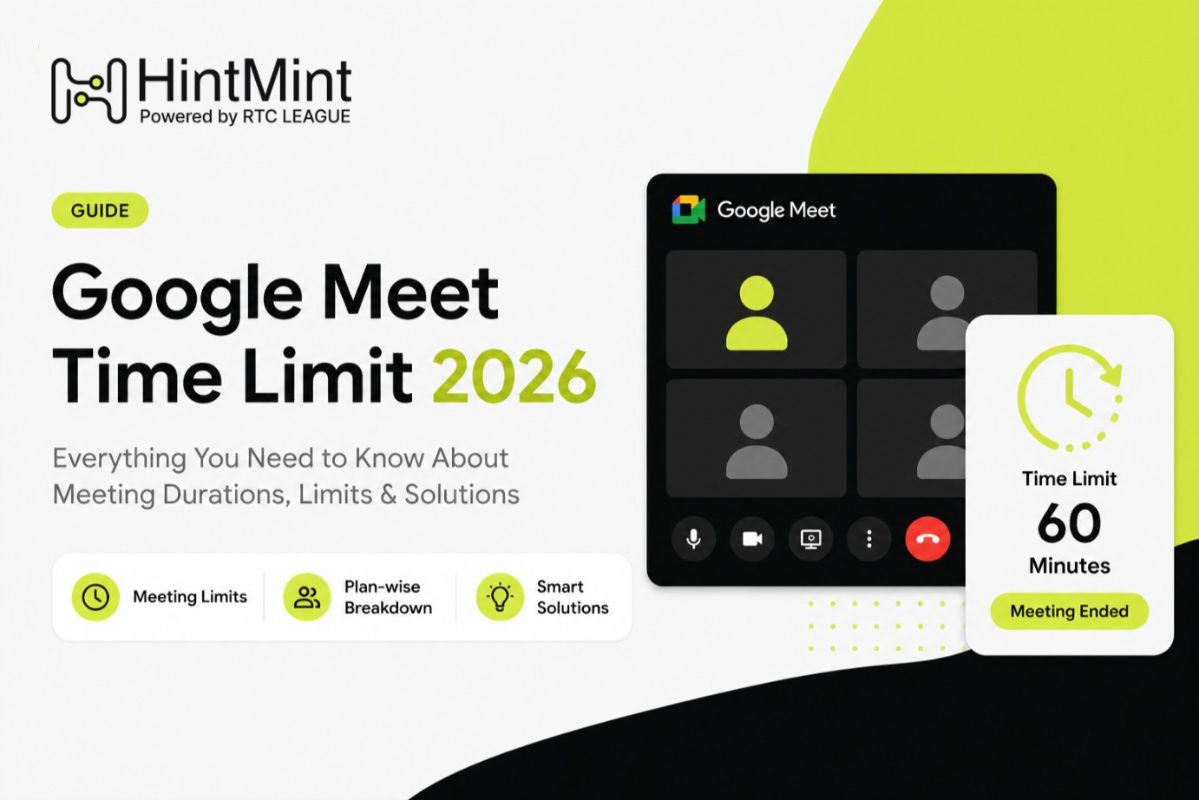
For personal Google accounts (standard Gmail accounts), Google Meet enforces a 60-minute time limit on group calls with three or more participants.
One-on-one calls between two participants have no time limit under a free account. You can run a 1:1 call for as long as needed without being cut off.
The 60-minute cap applies specifically when a third person joins the call, making it a group meeting. When the limit is reached, participants receive an on-screen notification before the session ends.
It is worth noting that these limits have changed over the years. Google temporarily lifted them during COVID-19 to support remote work adoption, then reintroduced them. Verify current limits on the Google Meet support page if you are reading this article significantly after its publication date, as Google does revise these periodically.
Google Meet Time Limits by Account Type
Account Type | Group Meeting Limit | 1:1 Call Limit |
Free (personal Gmail) | 60 minutes | Unlimited |
Google One (paid personal) | Up to 24 hours | Unlimited |
Google Workspace Starter | 24 hours | Unlimited |
Google Workspace Business | 24 hours | Unlimited |
Google Workspace Enterprise | 24 hours | Unlimited |
Google Workspace for Education | Varies by tier | Unlimited |
Google One subscribers on paid personal plans receive extended meeting durations as part of their subscription. The exact benefit depends on the tier you are subscribed to, so checking the current Google One features page for your plan is the most reliable way to confirm.
How Does This Compare to Zoom and Microsoft Teams?
Zoom free plan: 40-minute limit on group meetings with three or more participants. This is more restrictive than Google Meet's 60-minute free limit.
Microsoft Teams free: Teams has offered unlimited meeting duration on its free tier, though the feature set around recordings and administrative controls is more limited compared to paid plans.
Google Meet free: 60 minutes for group calls, unlimited for 1:1, which puts it between Zoom's more restrictive 40-minute cap and Teams' more generous free offering.
For most individual users running occasional calls, Google Meet's free tier is sufficient. The 60-minute ceiling becomes a practical issue primarily for longer workshops, training sessions, client calls, or team meetings that regularly run past an hour.
Why Does Google Enforce a Time Limit?
The short answer is that free-tier time limits are a conversion mechanism. Google uses the free product to introduce users to Meet, then drives upgrade decisions by imposing constraints that matter at a certain usage level. The limit does not affect casual users much. It consistently affects professional and business users, which is exactly the audience Google wants to move toward Workspace plans.
This is the same logic behind Zoom's 40-minute cap. The constraint is not about infrastructure cost. It is about creating a commercial trigger at the point where the product becomes genuinely important to someone's workflow.
Practical Workarounds for the 60-Minute Limit
Rejoin the same meeting immediately
The most commonly used workaround is simple: when the session ends, the host recreates or rejoins the same meeting link and everyone reconnects. This works, but it breaks the flow of long discussions and requires everyone to navigate back into the call.
For a one-time meeting this is manageable. For recurring professional use, it signals that upgrading to a paid plan is worth evaluating.
Use Google Meet through Google Workspace trial
Google regularly offers free Workspace trials. If you need extended meeting duration for a period of time, a Workspace Starter trial gives you 24-hour limits during the trial window. This is not a long-term solution but is useful for specific high-stakes sessions.
Schedule multiple shorter sessions
For workshops or training formats, structuring the session into 50-minute blocks with planned breaks in between is both a reasonable accommodation and often a better format anyway. The forced break can serve as a practical checkpoint.
Switch to an alternative for long-form sessions
For sessions that are routinely longer than an hour, Google Meet on a free account is the wrong tool. Zoom with a paid account, Microsoft Teams, or a Workspace plan are all appropriate alternatives depending on what your workflow already involves.
When to Upgrade to Google Workspace
The 60-minute group call limit aside, Google Workspace adds a meaningful set of capabilities beyond just extended meeting time:
Recordings saved directly to Google Drive
Meeting attendance tracking
Breakout rooms
Noise cancellation and enhanced audio
Admin controls for organizations
Increased participant caps (the free tier supports up to 100 participants)
If your use case involves regular team meetings, client calls, or training sessions, the Workspace Starter tier is worth the cost primarily because it removes friction from the workflow, not just because of the time limit.
Getting More Value Out of Every Meeting Regardless of Duration
Time limits create a forcing function that many meeting organizers ignore when they have unlimited duration: the meeting goes long because no one is managing the clock.
Whether you are on a free account with a 60-minute ceiling or a Workspace plan with 24-hour limits, the most common meeting problem is not the platform restriction. It is that meetings run inefficiently, stray off-agenda, and do not produce documented outcomes.
Using a ai meeting assistant like HintMint addresses this regardless of your platform. When your meeting has live transcription running and action items being captured automatically, you are less likely to run meetings that ramble. The documentation layer creates light accountability on its own. People tend to stay on point when they know what is being said is being recorded and attributed.
The 60-minute limit on Google Meet's free plan is a real constraint for professional users. But for most teams, the constraint that actually damages productivity is not platform duration limits. It is the absence of a structured outcome from the time spent in the meeting.
About Author
Muhammad Aatif Bashir is the Founder & CEO of RTC LEAGUE, a deep-tech company delivering enterprise AI communication solutions. With a strong business and telecom leadership background, he drives the vision behind TelEcho and HintMint, enabling organizations to scale intelligent customer interactions and enhance decision-making in high-stakes, real-time environments.


.png)